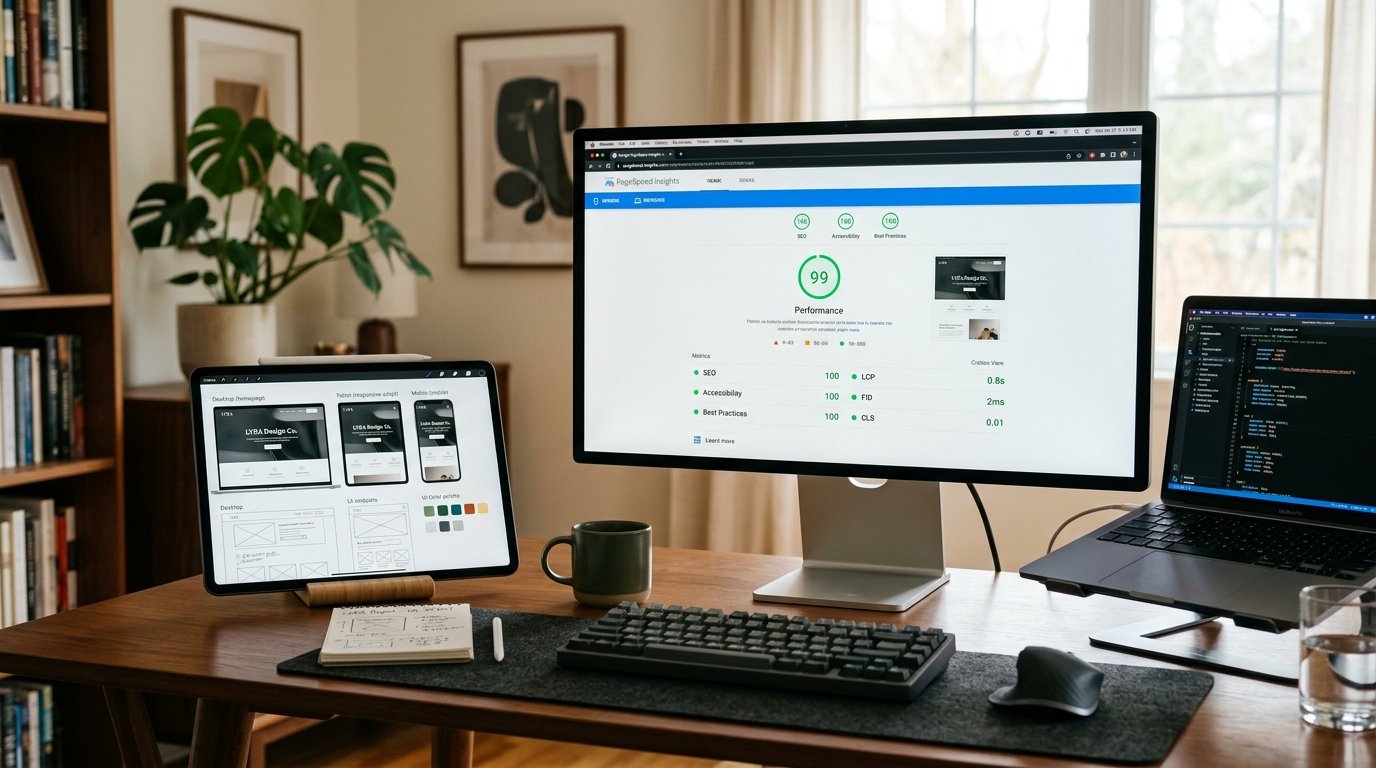
Over 40% of the world's web runs on WordPress, yet more than 68% of WordPress installations fail Google's mobile Core Web Vitals audit in Search Console. If your site takes longer than 2.5 seconds to render the main content, Google lowers your organic search visibility and ad platforms penalize your Quality Score.
Here is our technical, step-by-step engineering playbook to optimize WordPress websites for sub-second loading without breaking critical plugins or design fidelity.
1. Fixing Largest Contentful Paint (LCP < 1.2s)
LCP measures when the largest visual element (usually the hero banner image or main H1 heading) becomes visible to the user.
- Preload the Hero Image in HTML
<head>: Never lazy-load the above-the-fold image. Instead, add an explicit high-priority preload tag:<link rel="preload" as="image" href="/uploads/hero.webp" fetchpriority="high"> - Serve AVIF and WebP Formats: Modern formats compress images 35%–50% better than standard JPEGs without visual degradation.
- Inline Critical Path CSS: Prevent render-blocking by inlining the CSS rules needed for above-the-fold content directly into the document header, loading secondary styling asynchronously.
2. Eliminating Cumulative Layout Shift (CLS < 0.05)
CLS occurs when elements jump around the screen as images, ads, or web fonts load dynamically.
- Declare Explicit Aspect Ratios: Always specify
widthandheightattributes on all<img>and<video>tags. - Preconnect & Font-Display Swap: Self-host web fonts (such as Outfit and Plus Jakarta Sans) using WOFF2 format, and apply
font-display: swapto eliminate invisible text flashes (FOIT).
3. Taming Interaction to Next Paint (INP < 150ms)
INP replaced First Input Delay (FID) as Google's official responsiveness metric. It measures the latency of every single user click, tap, or key press on your page.
- De-bloat Heavy Tag Managers: Delay non-essential tracking pixels (Facebook Pixel, TikTok Tag, Hotjar session recorders) until after initial user interaction.
- Debounce Event Listeners: Avoid continuous heavy calculations during mobile scrolling and touch gestures.
4. Disabling WooCommerce Cart Fragment Bloat
WooCommerce by default triggers an AJAX call to /?wc-ajax=get_refreshed_fragments on every single page load—even on informative blog posts and the homepage. This single call bypasses page caching and consumes 400ms–800ms of server execution time.
We dequeue wc-cart-fragments.js on non-shop pages using custom hooks, immediately restoring pure static caching across 90% of the site.
5. Server-Level Caching with LiteSpeed or Redis
Shared hosting with default PHP settings creates database bottlenecks. Upgrading to PHP 8.3 with OPcache enabled, Redis object caching for persistent database query results, and HTTP/3 protocol reduces server response latency from 950ms down to under 65ms.